RISC-V · 360 MHz
Two cores.
One adventure.
The heart of Tab5. Our firmware runs at 360 MHz; the chip also includes a PPA 2D graphics accelerator and a MIPI-DSI display interface.
M5STACK TAB5 · TEST VERSION 0.3
Classic point-and-click games from the nineties on a five-inch touchscreen. Nine are free (two of them through a free GOG account); four more work with copies you bought on GOG. You install everything from this page over a USB cable; once installed, the games run from a memory card without internet.
The M5Stack Tab5 is a five-inch maker tablet, PLN 289 in Poland. This page offers one thing to make of it: a player for classic adventure games. What you need ↓
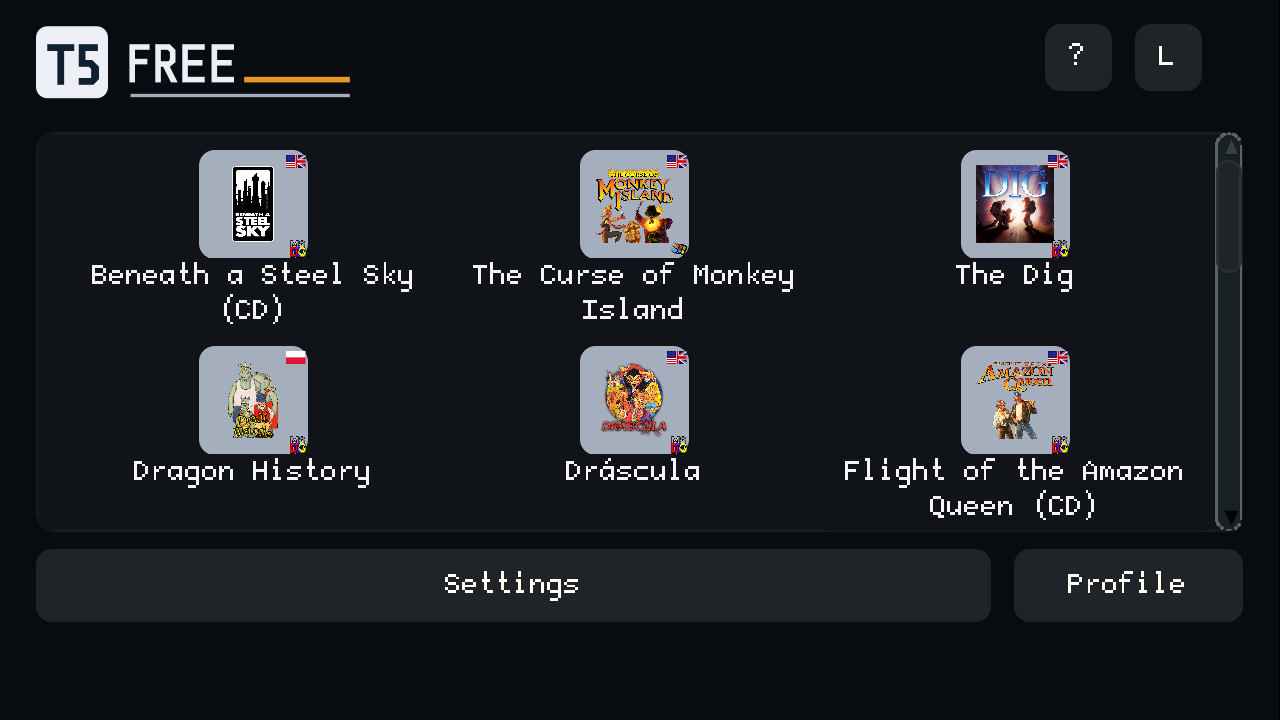
From cyberpunk to Polish comedy. Classic point-and-click adventures: explore, talk and solve puzzles.
The lower figure is what players and reviewers report for the original games. The upper one adds how long a reviewer took without a walkthrough, where we know it: nineties adventures are harder than today's games, so many of us will take longer.
| Game | Style | Language | About how long | Price | Sources |
|---|---|---|---|---|---|
| Beneath a Steel Sky | Cyberpunk | EN | ≈ 5.5 h · main story | free, GOG account | Source ↗ |
| Flight of the Amazon Queen | Adventure comedy | EN | ≈ 7 h · main story | free, GOG account | Source ↗ |
| Sołtys | Polish comedy | PL | ≈ 3 h · few player reports | free | Source ↗ |
| Sfinx | Sci-fi comedy | PL | ≈ 1.4 h · few player reports | free | Source ↗ |
| Lure of the Temptress | Medieval fantasy | EN | ≈ 3 h · main story; 7.4 h · without a walkthrough | free | Source ↗ · without a walkthrough ↗ |
| Teenagent | Spy comedy | EN | ≈ 2.5 h · main story | free | Source ↗ |
| Dragon History | Fairy-tale adventure | PL | ≈ 6 h · reviewer's playtime | free | Source ↗ |
| Dráscula | Vampire comedy | EN | ≈ 1.8 h · main story | free | Source ↗ |
| Nippon Safes, Inc. | Crime comedy | EN | ≈ 18.7 h · without a walkthrough | free | without a walkthrough ↗ |
| Sam & Max Hit the Road | Detective comedy | EN | ≈ 5 h · main story; 6.8 h · without a walkthrough | your GOG copy | Source ↗ · without a walkthrough ↗ |
| Indiana Jones and the Fate of Atlantis | Archaeological adventure | EN | ≈ 8 h · main story | your GOG copy | Source ↗ |
| The Dig | Sci-fi adventure | EN | ≈ 6.5 h · main story | your GOG copy | Source ↗ |
| The Curse of Monkey Island | Pirate comedy | EN | ≈ 7.5 h · main story | your GOG copy | Source ↗ |
Times refer to the original games on other platforms, from players' and reviewers' reports, not measured full play-throughs on Tab5. Different play styles and slowdowns on Tab5 are not added in. Missing data doesn't mean zero hours.
300+ locations across Beneath a Steel Sky, Amazon Queen, Lure and Dragon History, according to their publishers and author. This describes game content, not the number of locations tested on Tab5.
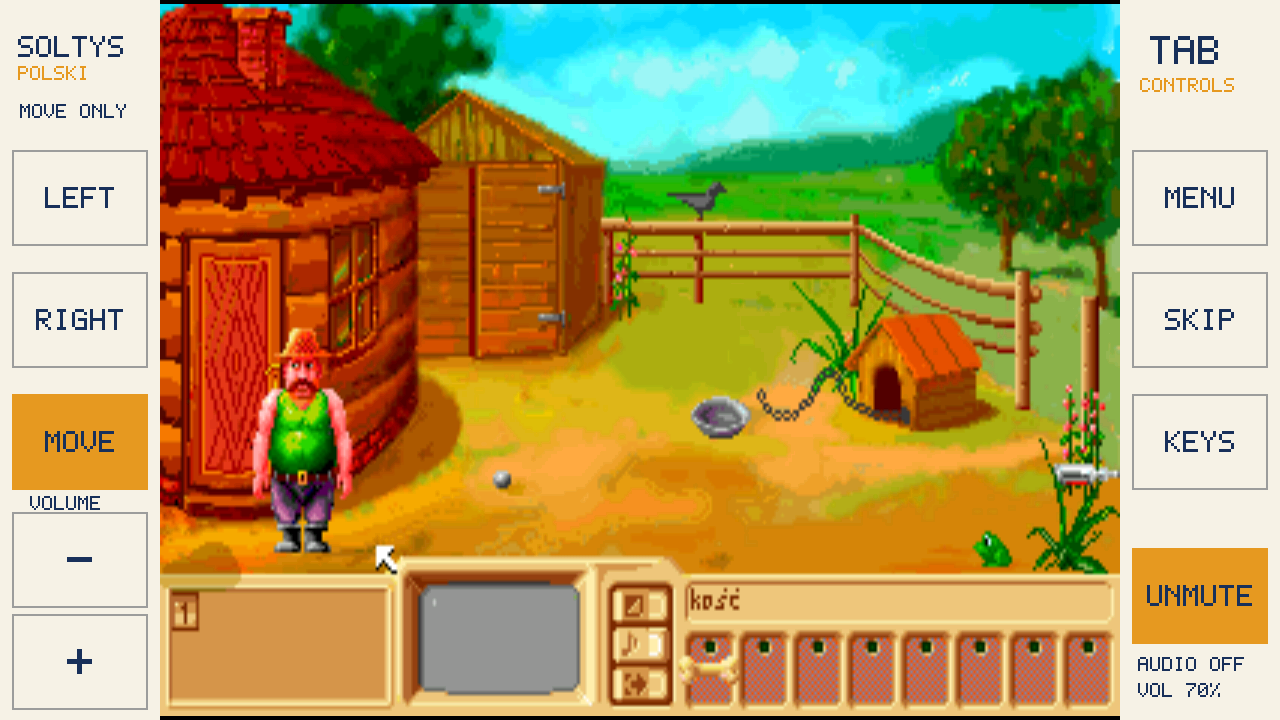
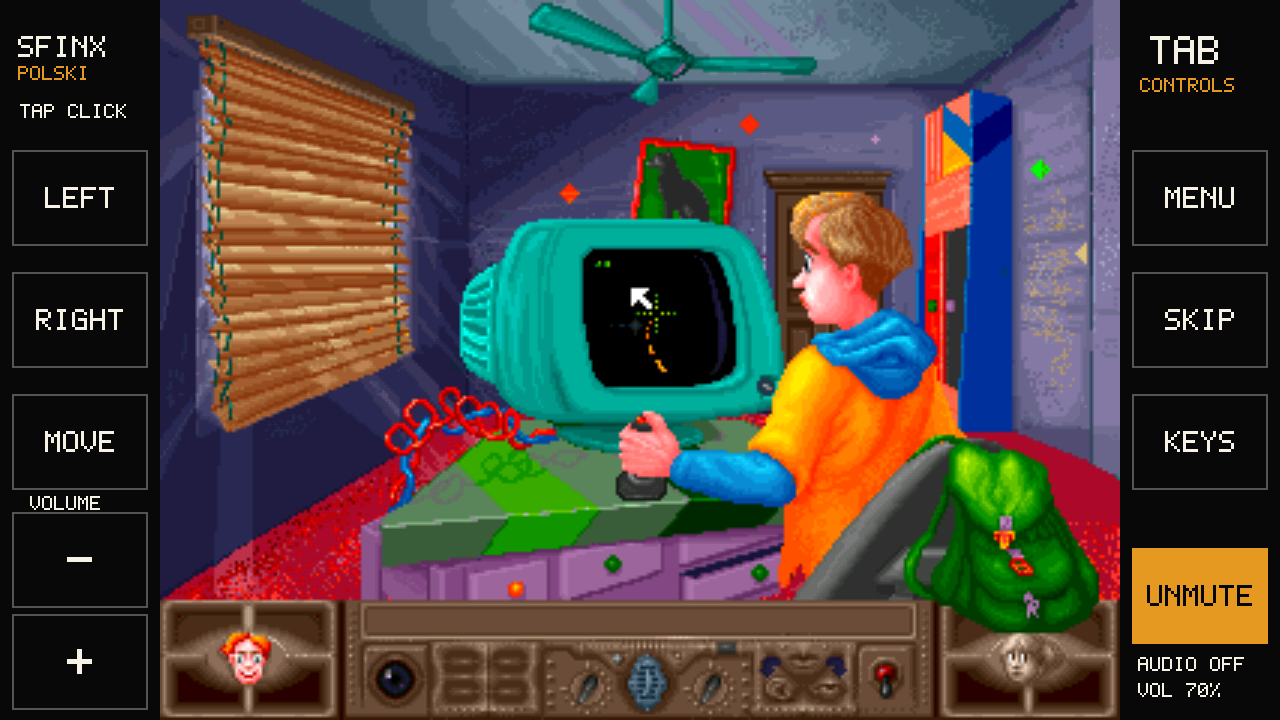
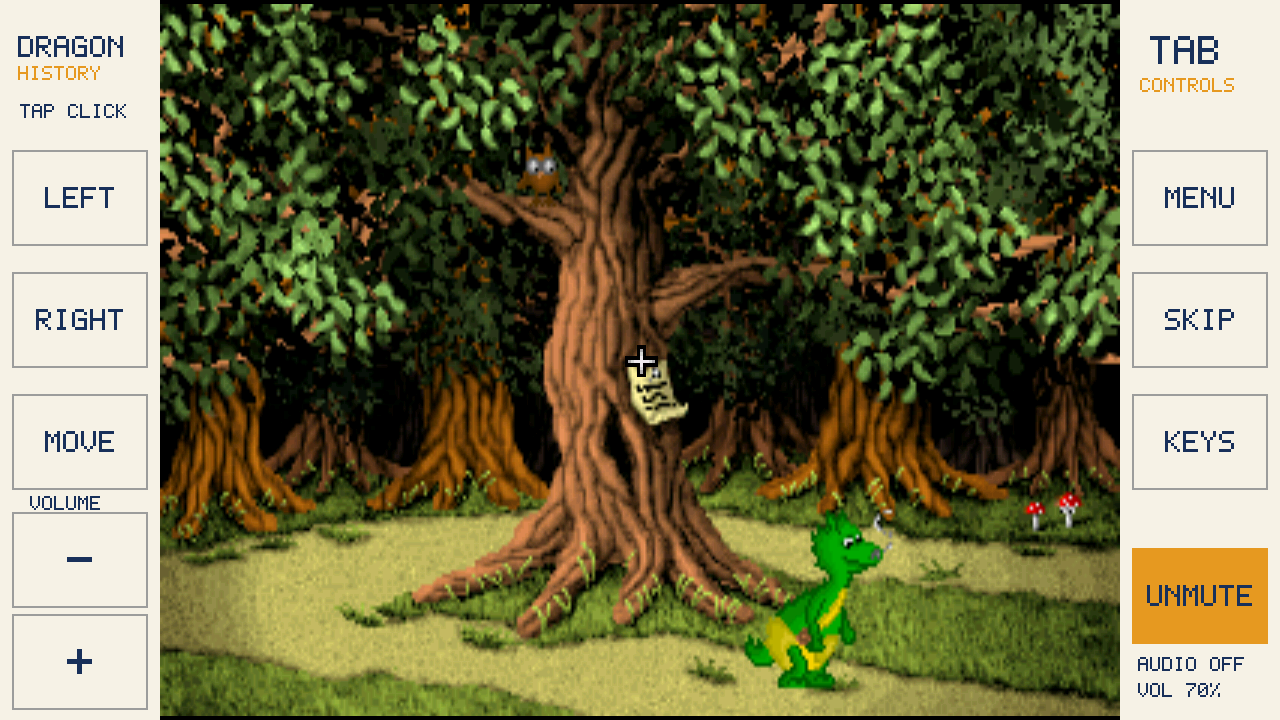
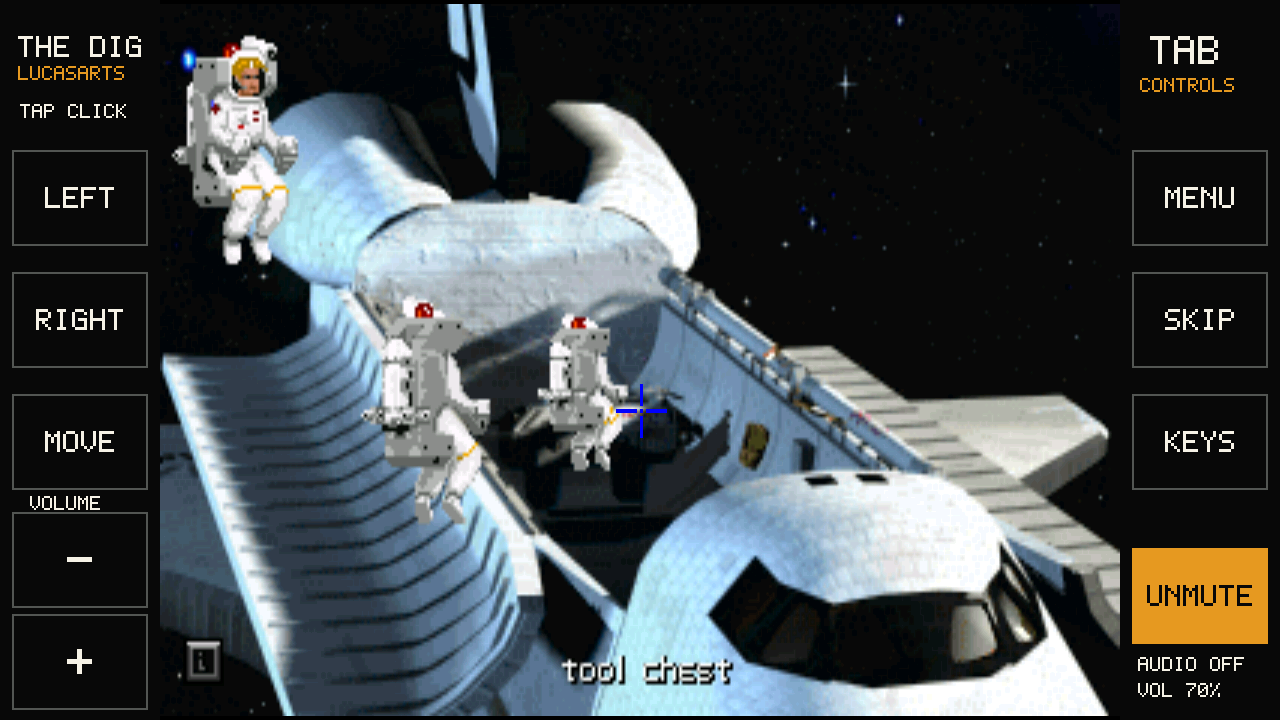
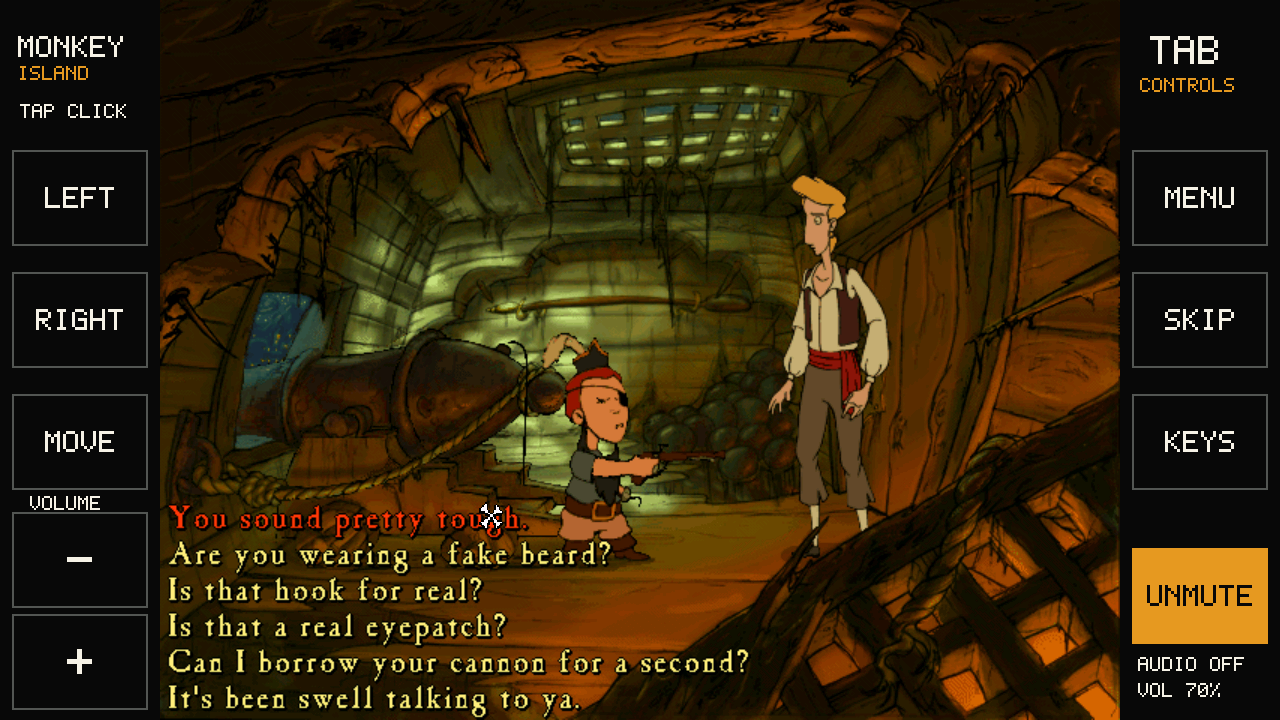
Nine are free, four need your own GOG copy. Three are in Polish; the other ten are in English. The pictures come from our tests on the device, still in version rc1, when the side buttons were called LEFT, RIGHT and MOVE; tap one to see it full size.
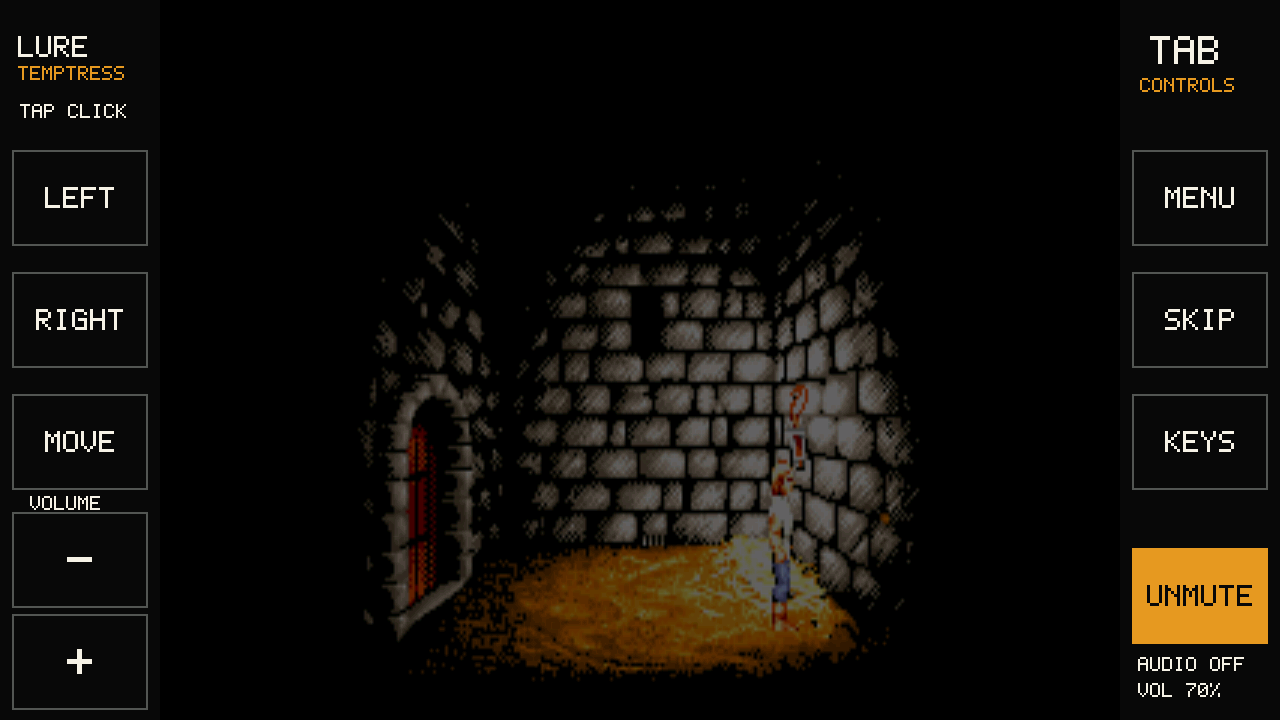
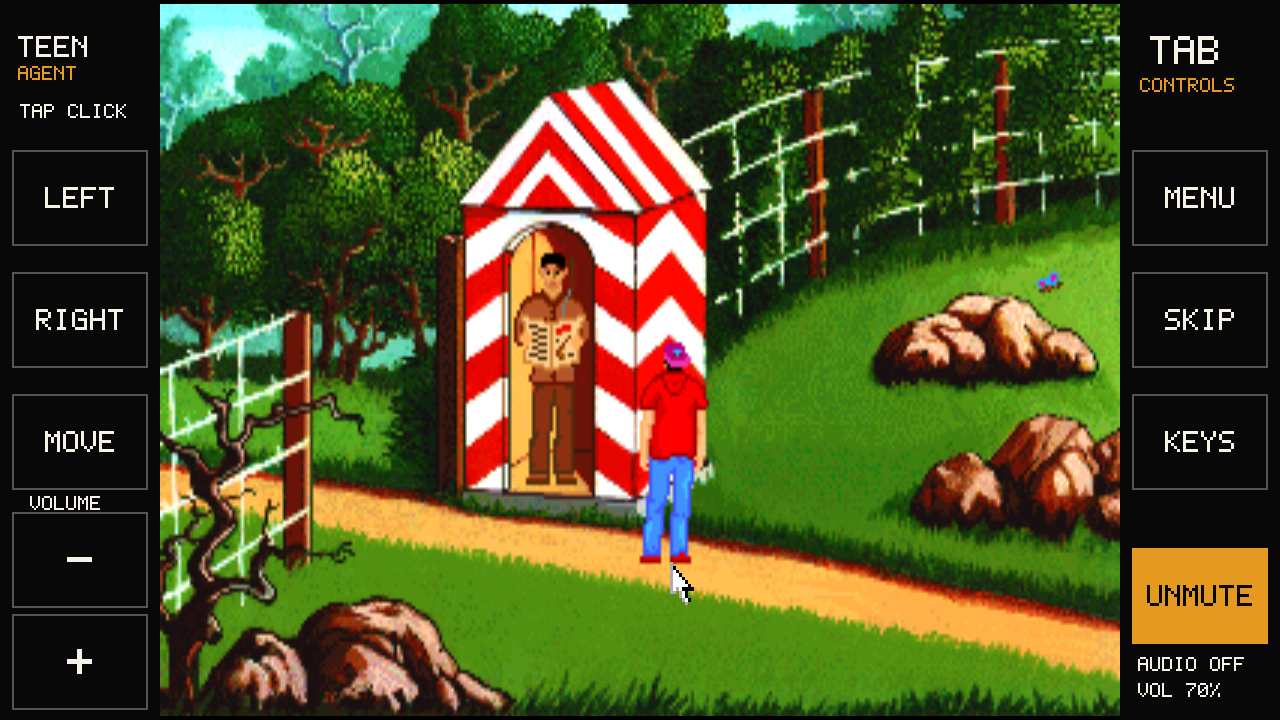
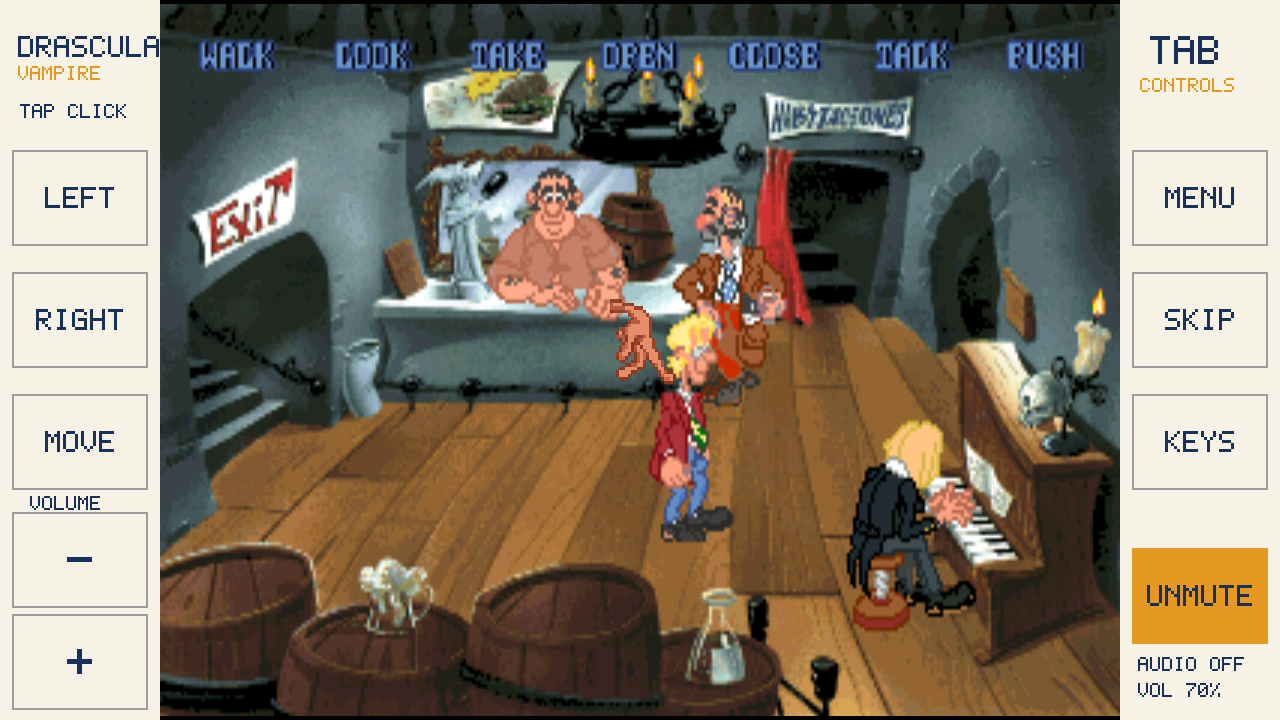
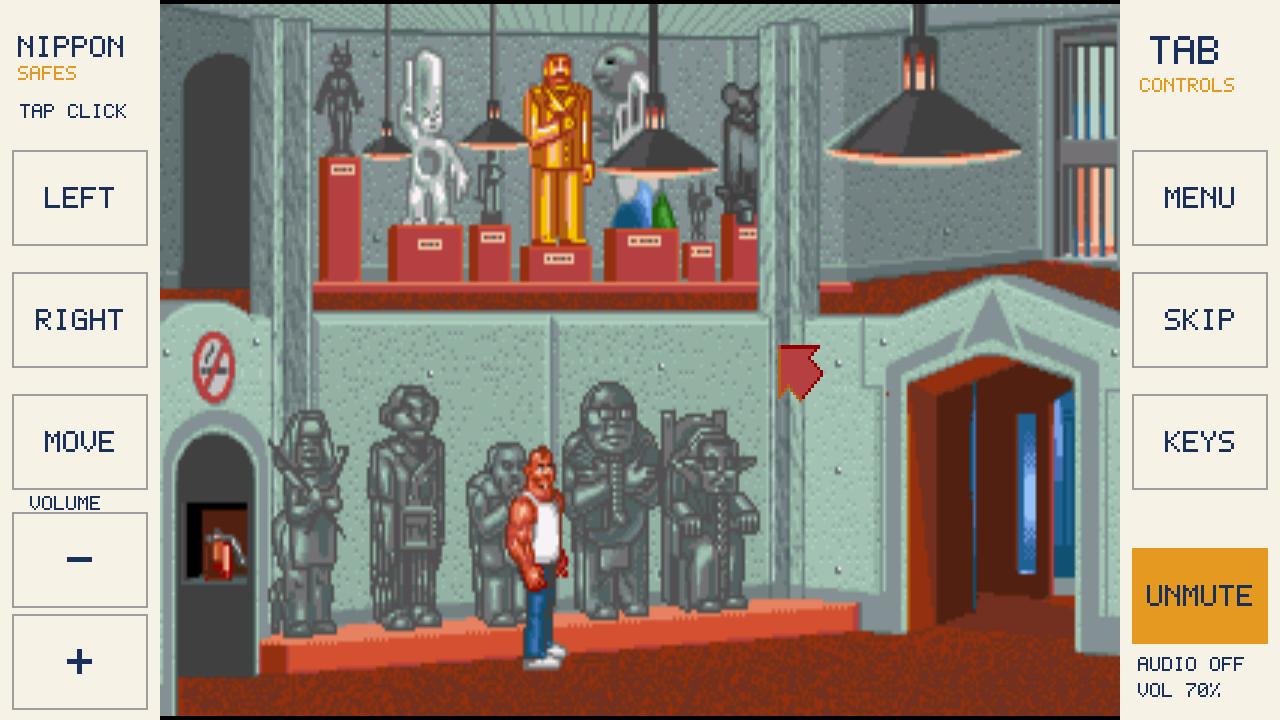
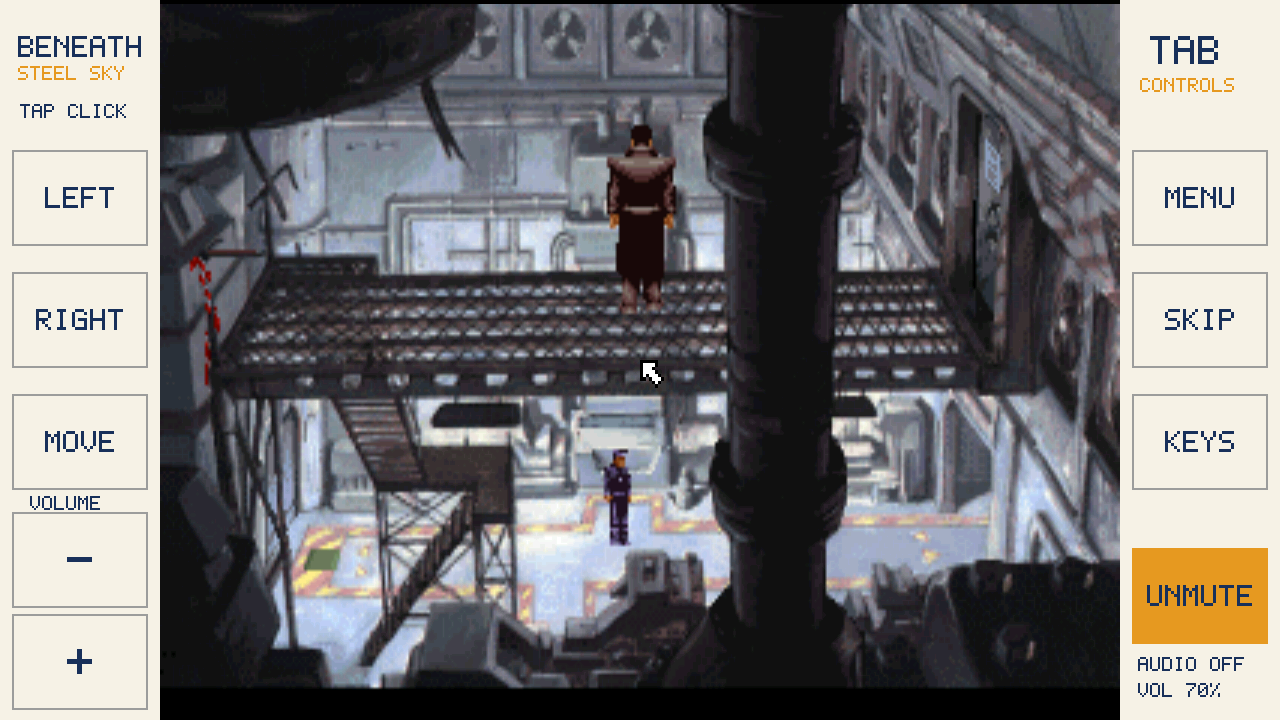
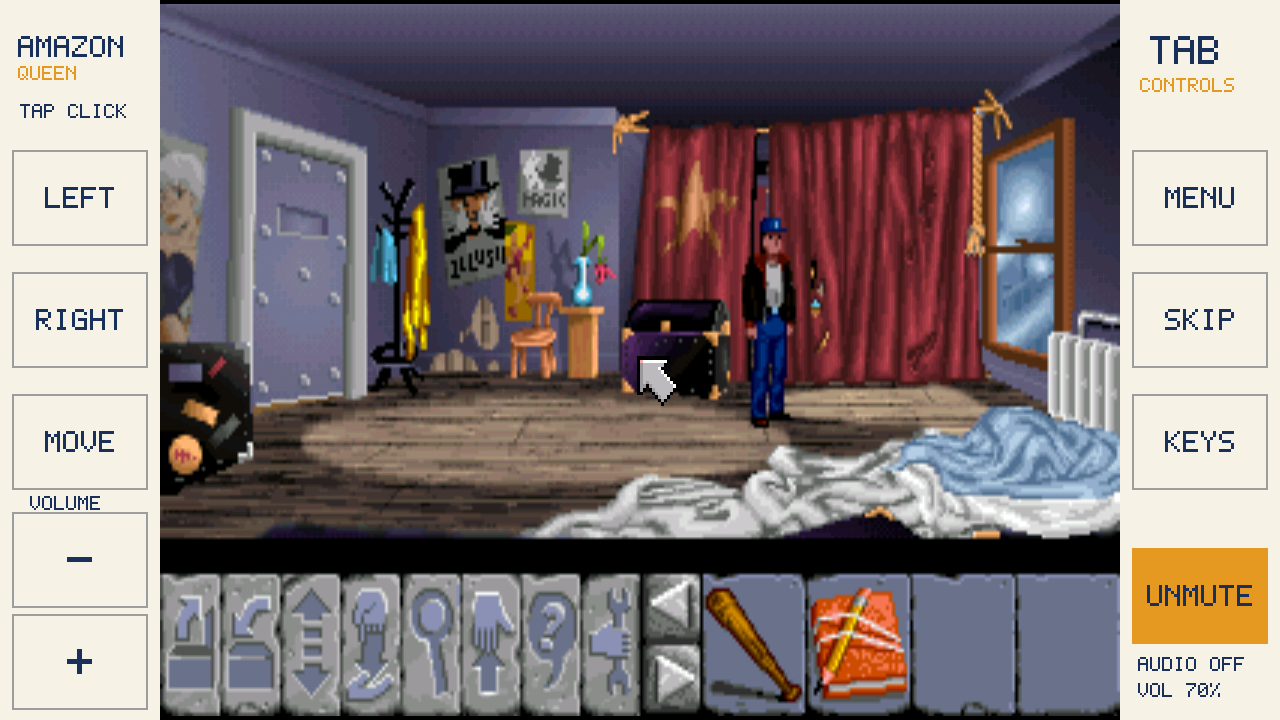
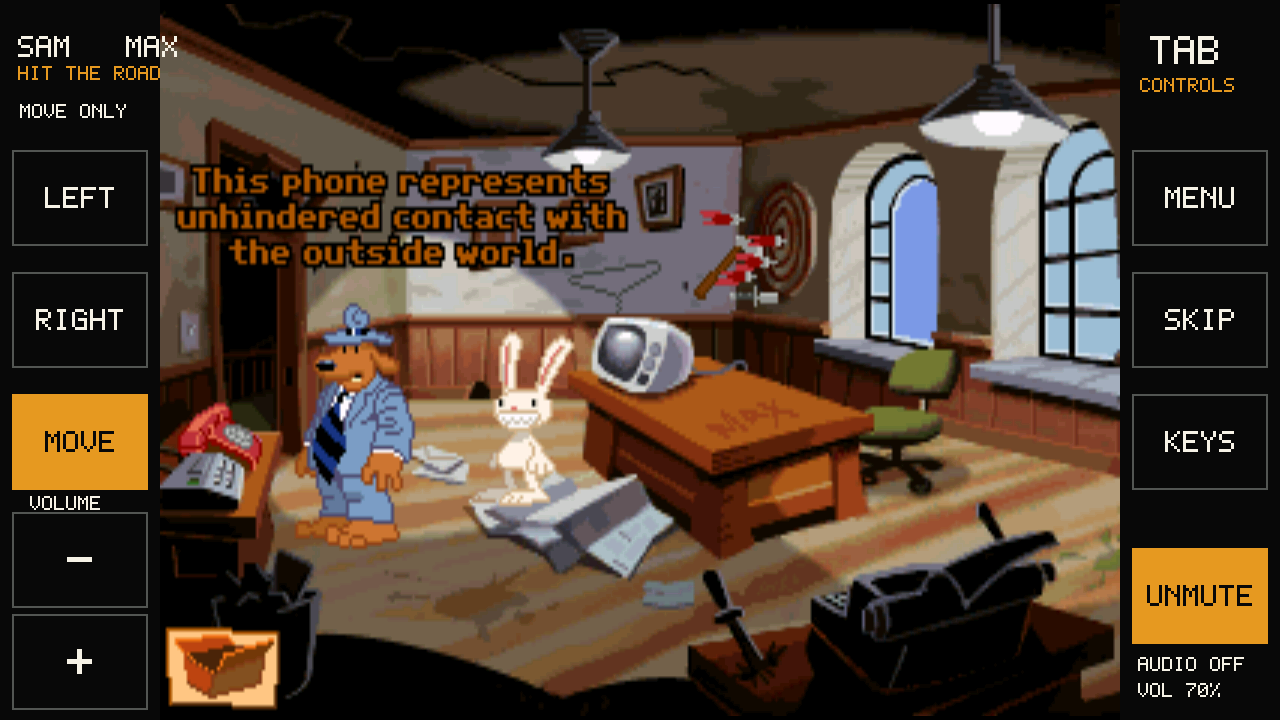
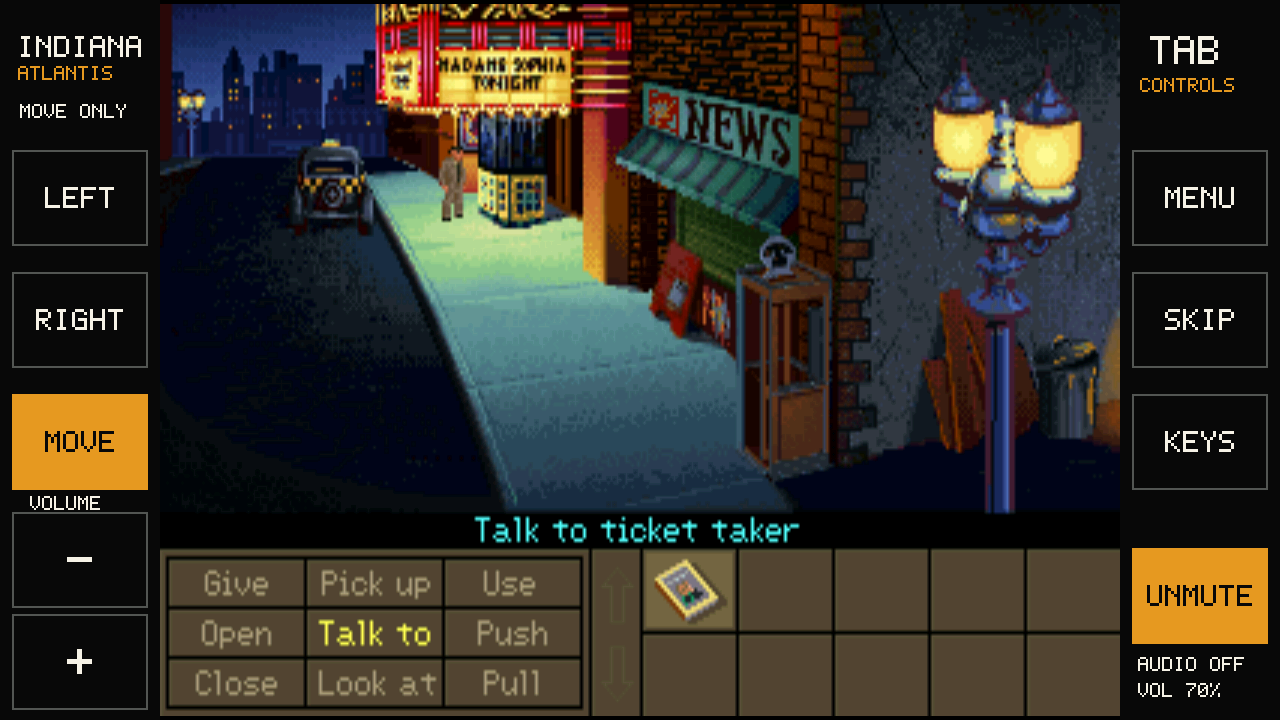
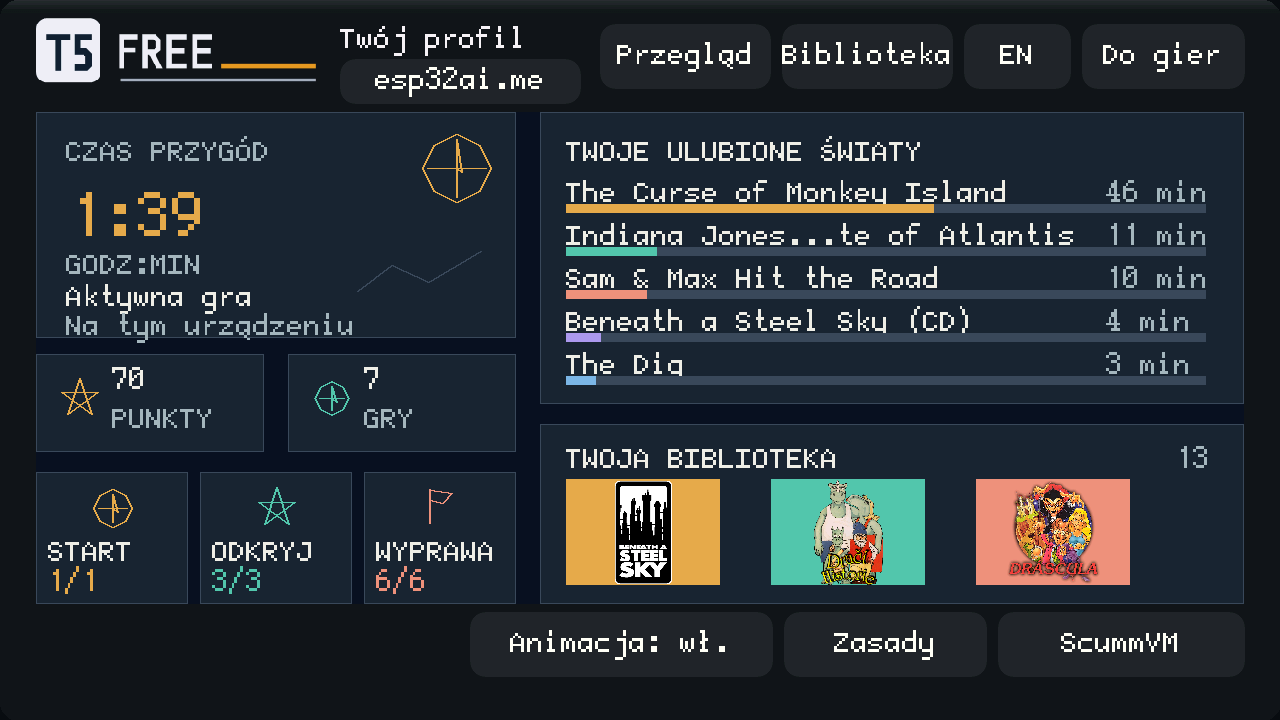
The device has a player profile: your active play time, your favourite worlds with minutes for each game, how many games you've tried and points for discovering new ones. Menus and pauses don't count, and the clock stops when you leave the game idle. It all stays on your memory card, because the system never goes online.
NEW IN RC3
Tab5 works in either landscape position, right way up or upside down. Turn it around and hold it still for about a second: the game and menus rotate to stay upright, and taps still land where you touch. With a finger on the screen, or the tablet lying flat, the picture stays put. You can lock rotation in QUICK, and the lock survives a restart.
Thin horizontal lines and a faint grid that follow the brightness of the scene, like an old tube TV. Turn CRT on in QUICK and compare it with the original. It's off by default and can make games less smooth, and in some games QUICK shows “CRT unavailable”.
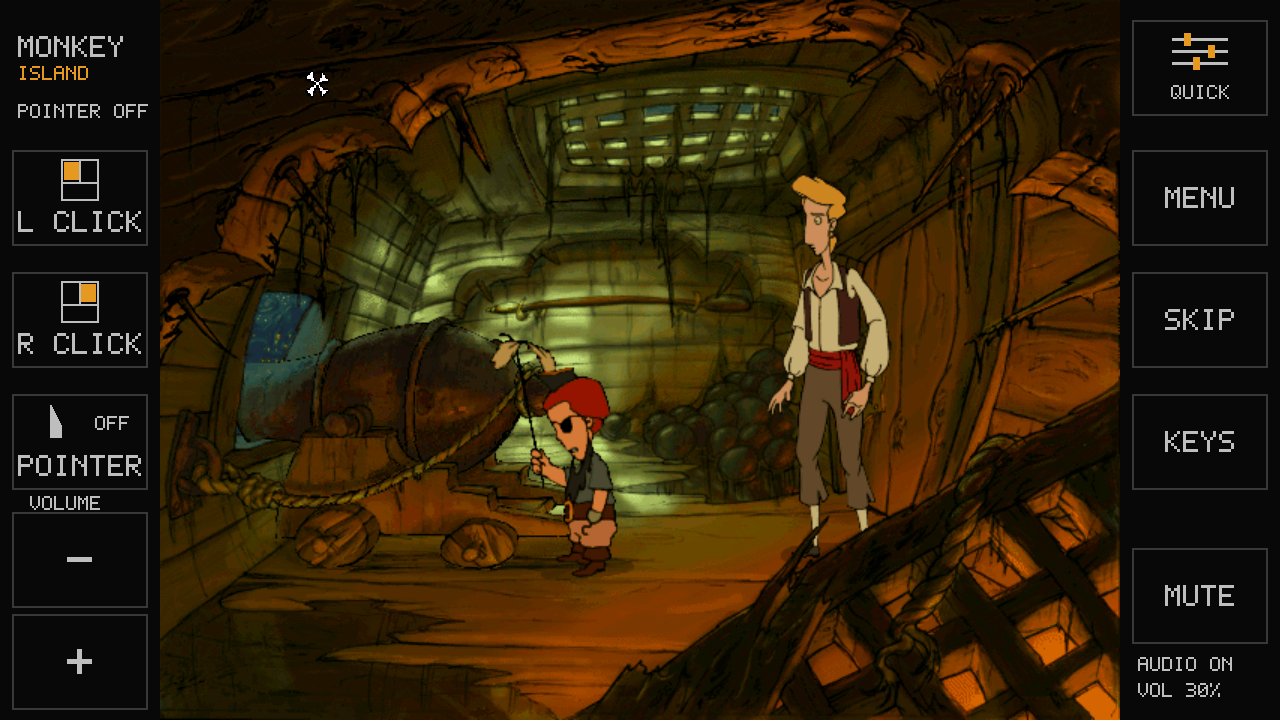
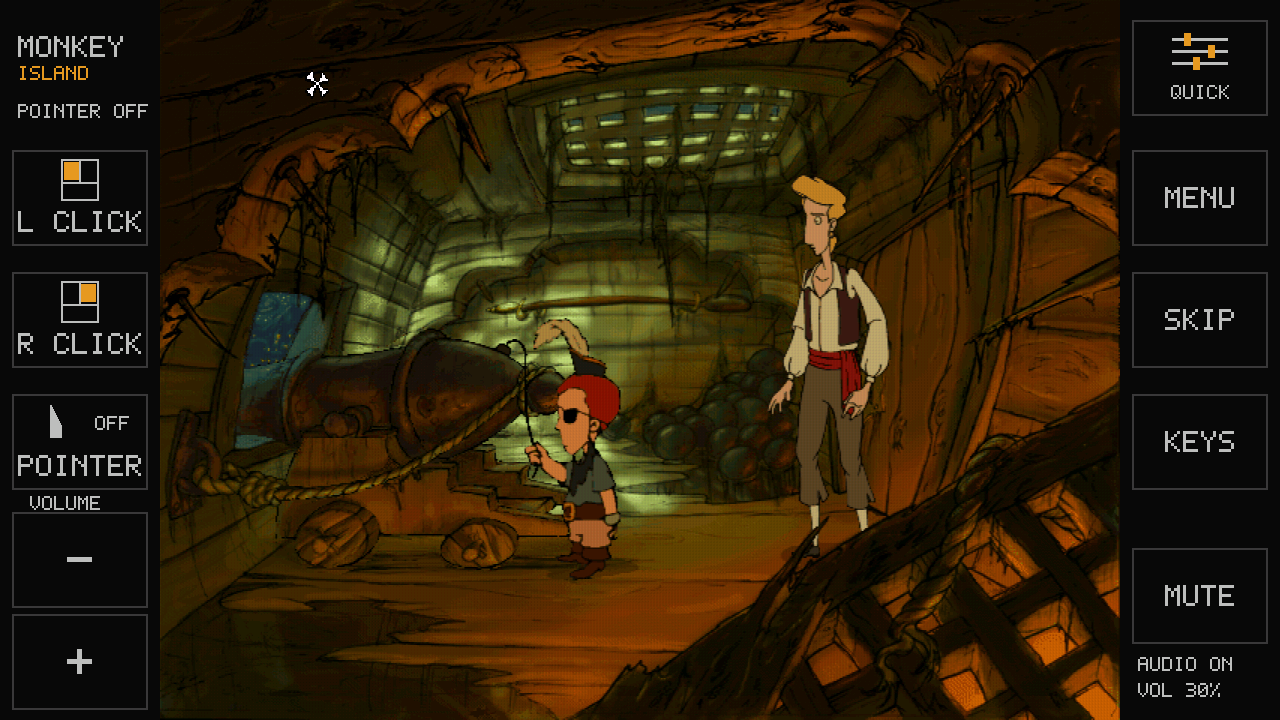
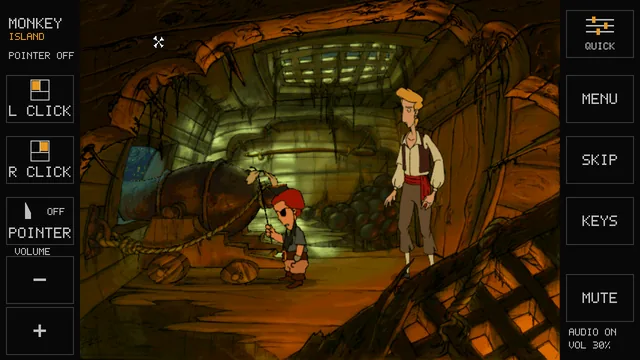
Two screenshots of the same scene, taken at different moments of the animation. Click or tap one to see the whole screen.
Already on rc1 or rc2? Repeat step 1 (install the system). Games and saves stay on the card; there's no need to copy the games again. Install the system on Tab5 ↓
MEET THE HARDWARE · M5STACK TAB5
Five inches for your adventures. Inside, an ESP32-P4 dual-core microcontroller runs our classic ScummVM games.
Paid partnership. M5Stack pays us a commission when you buy through our link; Botland gives us devices to test.
RISC-V · 360 MHz
The heart of Tab5. Our firmware runs at 360 MHz; the chip also includes a PPA 2D graphics accelerator and a MIPI-DSI display interface.
IPS touchscreen · 1280 × 720 pixels
32 MB PSRAM + 16 MB Flash
Games and saves on microSD. Install over USB-C.
Speaker and 3.5 mm audio jack. In-game volume and mute, right on the sidebar.
Tab5 also has Wi-Fi 6 via a separate ESP32-C6, a 2 MP camera and expansion connectors. These are hardware features for other projects; this adventure firmware runs locally and uses neither Wi-Fi nor the camera.
PLN 289 incl. VAT for C145 without a battery. Botland offer checked 23 September 2026; price may change and excludes shipping. A microSD card and USB-C data cable are also needed. The NP-F550 battery is optional.
This system uses neither Wi-Fi nor the camera. More about Tab5 · Specifications ↗
Do them in order, on a computer. You can come back later to add more games.
Put the microSD card into Tab5 first and leave it there. Then plug Tab5 straight into the computer, not through a hub. Click “Install the system” below, pick “USB JTAG/serial debug unit” in the small window and click Connect. Close that window when it says it's done. Your memory card is left alone.
Already have an older version of this system? Do this step again first. Your games and saves stay on the card.
Use a cable that carries data and try another USB port. Close other programs or browser tabs that may be using Tab5, then unplug it and plug it back in. You can close the window and try again later.
This step replaces the program that is in Tab5 now, for example the maker's demo; the card stays as it is. This page doesn't keep a copy of the old program and can't bring it back. If it matters to you, check in the M5Stack documentation how to put it back before you start. M5Stack Tab5 ↗
For each game you want, first get the file with the link at the top of its frame, then press “Choose file” and pick it. Don't open or unzip it. When you've chosen them all, press “Check my files”. The files stay on your computer; nothing goes to our server.
Dráscula needs two files: the game and this music pack. Download both and choose both, without unzipping. Adding the music alone works only once the game is on the card.
You need your own copy of each on GOG; take the macOS installer there, even on Windows. Big ones, especially The Dig and Curse, can take tens of minutes to copy.
If you're in the middle of a game, save it first: Tab5 restarts when this page connects to it. Click “Connect Tab5 and copy the games”, pick “USB JTAG/serial debug unit” again and click Connect. Nothing is deleted: new games join the ones you have, and your saves stay. Big games can take tens of minutes; until it reaches 100%, keep this page open and the cable plugged in.
Tap a game's cover on Tab5, then ▶. Without a battery, keep the cable plugged in. How to play →
Tap the scene to walk or act: it works like a mouse click. The buttons on both sides of the game do the rest. QUICK, top right, opens quick settings.
To save: MENU → Save → an empty slot → Save. Wait until the game is back before you unplug.
Sound, looks and tips for individual games: full guide.
In the earlier test versions (rc1 and rc2), we installed the system and all 13 games from this page onto a real Tab5, the same way you will. Every game started. We also checked the beginning of each game: walking, some actions, saving and loading (what exactly depends on the game). In rc3 we tested the new parts on the same Tab5: rotation, the rotation lock after a restart, and touch. We didn't re-test the 13 games for rc3. Nobody has finished any of them on Tab5 yet. What we tested and how we check the files.
MADE WITH AI
Tab5 Free Adventures was made together with AI models: agents ported ScummVM to the Tab5, wrote the installer and these pages. A person chose what to build, tested it on the device and decided what ships.
Codex Astra · Sol
≈ 2,000,000,000ScummVM port, firmware, installerClaude Code Fable · Opus
≈ 1,000,000,000these pages, checks, deploymentRough figures from the work on this project.