M5STACK TAB5 · TEST VERSION 0.3
13 adventures.
Your Tab5.
Classic point-and-click games from the nineties on a five-inch touchscreen. Nine are free (two of them through a free GOG account); four more work with copies you bought on GOG. You install everything from this page over a USB cable; once installed, the games run from a memory card without internet.
The collection. In numbers.
From cyberpunk to Polish comedy. Classic point-and-click adventures: explore, talk and solve puzzles.
The lower figure is what players and reviewers report for the original games. The upper one adds how long a reviewer took without a walkthrough, where we know it: nineties adventures are harder than today's games, so many of us will take longer.
Playtime, style and sources
| Game | Style | Language | About how long | Price | Sources |
|---|---|---|---|---|---|
| Beneath a Steel Sky | Cyberpunk | EN | ≈ 5.5 h · main story | free, GOG account | Source ↗ |
| Flight of the Amazon Queen | Adventure comedy | EN | ≈ 7 h · main story | free, GOG account | Source ↗ |
| Sołtys | Polish comedy | PL | ≈ 3 h · few player reports | free | Source ↗ |
| Sfinx | Sci-fi comedy | PL | ≈ 1.4 h · few player reports | free | Source ↗ |
| Lure of the Temptress | Medieval fantasy | EN | ≈ 3 h · main story; 7.4 h · without a walkthrough | free | Source ↗ · without a walkthrough ↗ |
| Teenagent | Spy comedy | EN | ≈ 2.5 h · main story | free | Source ↗ |
| Dragon History | Fairy-tale adventure | PL | ≈ 6 h · reviewer's playtime | free | Source ↗ |
| Dráscula | Vampire comedy | EN | ≈ 1.8 h · main story | free | Source ↗ |
| Nippon Safes, Inc. | Crime comedy | EN | ≈ 18.7 h · without a walkthrough | free | without a walkthrough ↗ |
| Sam & Max Hit the Road | Detective comedy | EN | ≈ 5 h · main story; 6.8 h · without a walkthrough | your GOG copy | Source ↗ · without a walkthrough ↗ |
| Indiana Jones and the Fate of Atlantis | Archaeological adventure | EN | ≈ 8 h · main story | your GOG copy | Source ↗ |
| The Dig | Sci-fi adventure | EN | ≈ 6.5 h · main story | your GOG copy | Source ↗ |
| The Curse of Monkey Island | Pirate comedy | EN | ≈ 7.5 h · main story | your GOG copy | Source ↗ |
Times refer to the original games on other platforms, from players' and reviewers' reports, not measured full play-throughs on Tab5. Different play styles and slowdowns on Tab5 are not added in. Missing data doesn't mean zero hours.
300+ locations across Beneath a Steel Sky, Amazon Queen, Lure and Dragon History, according to their publishers and author. This describes game content, not the number of locations tested on Tab5.
The 13 games
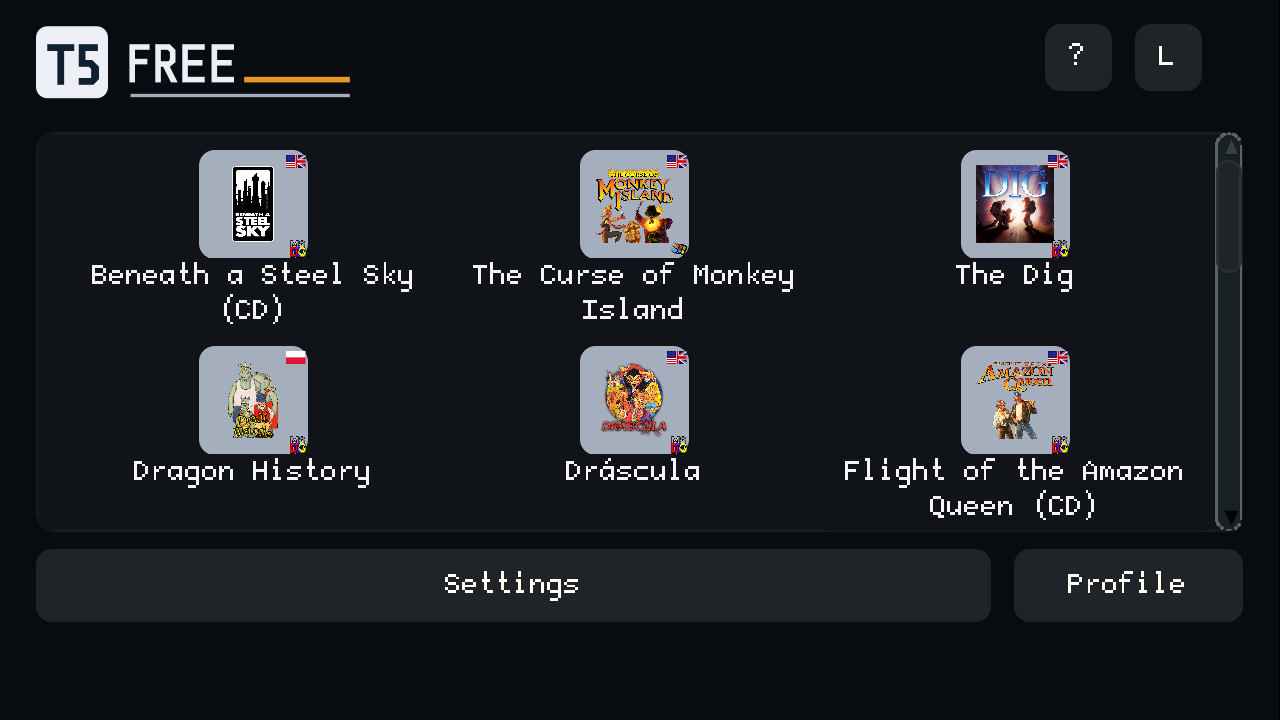
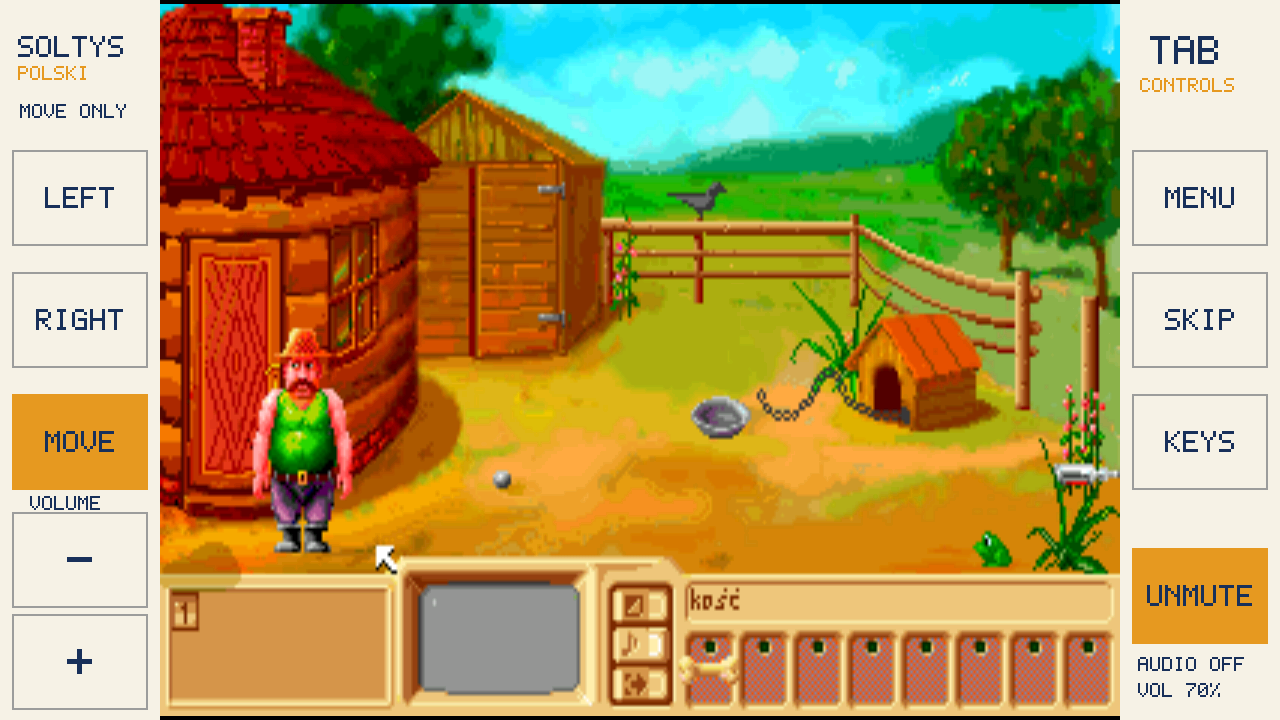
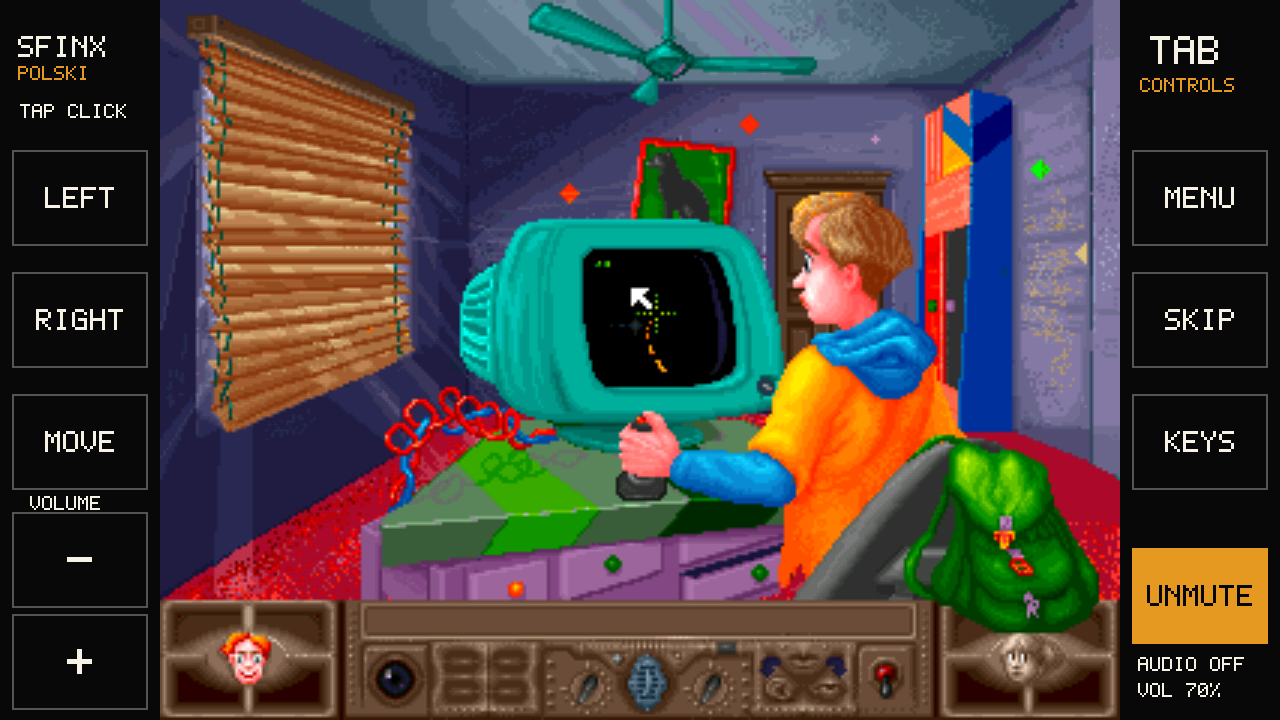
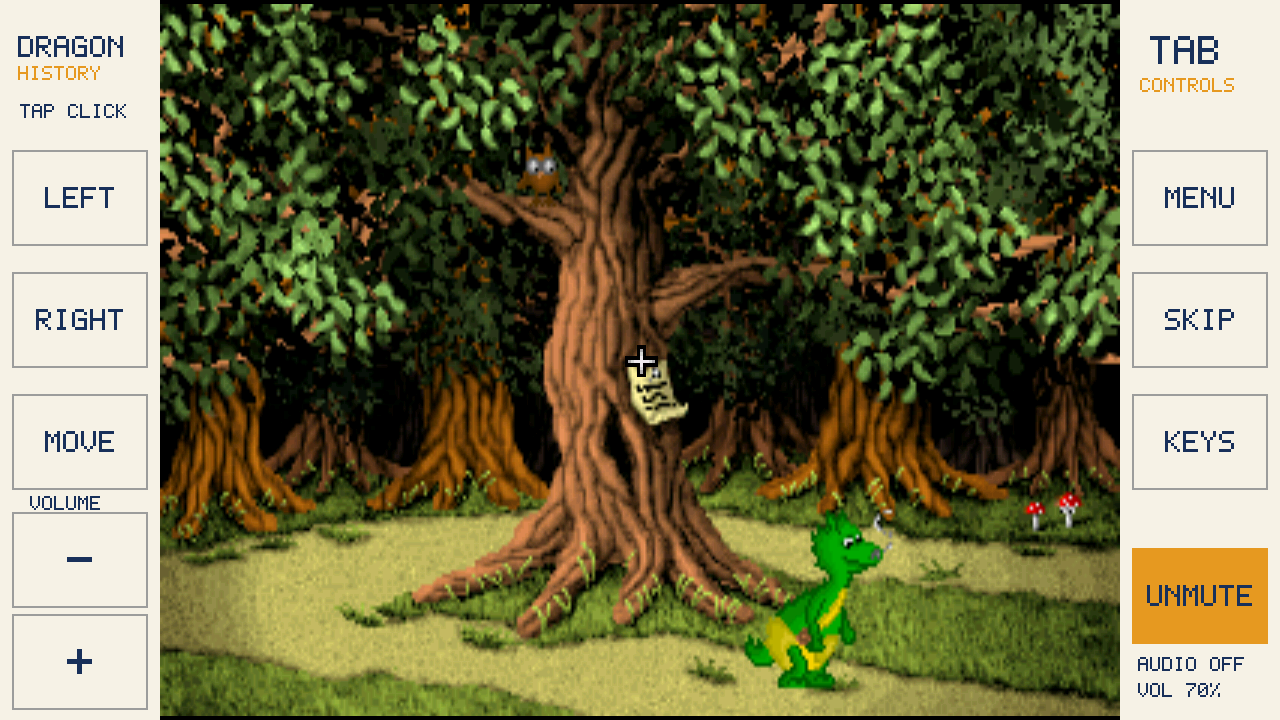
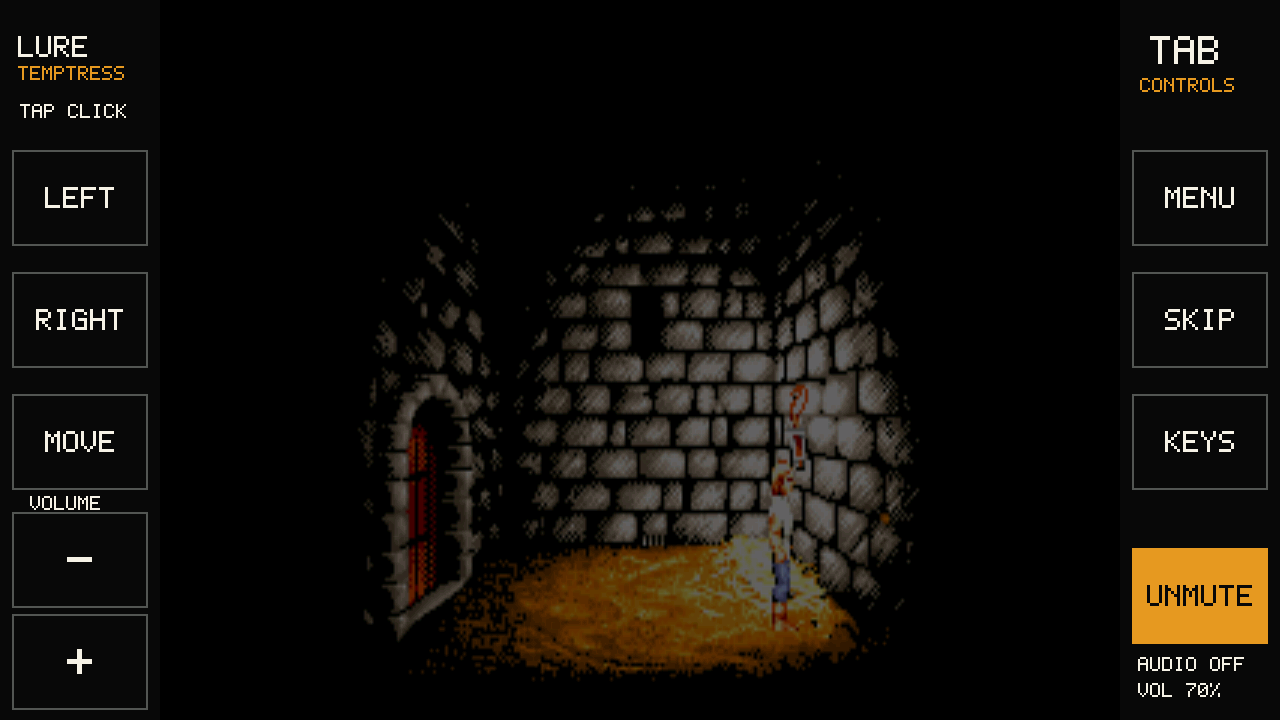
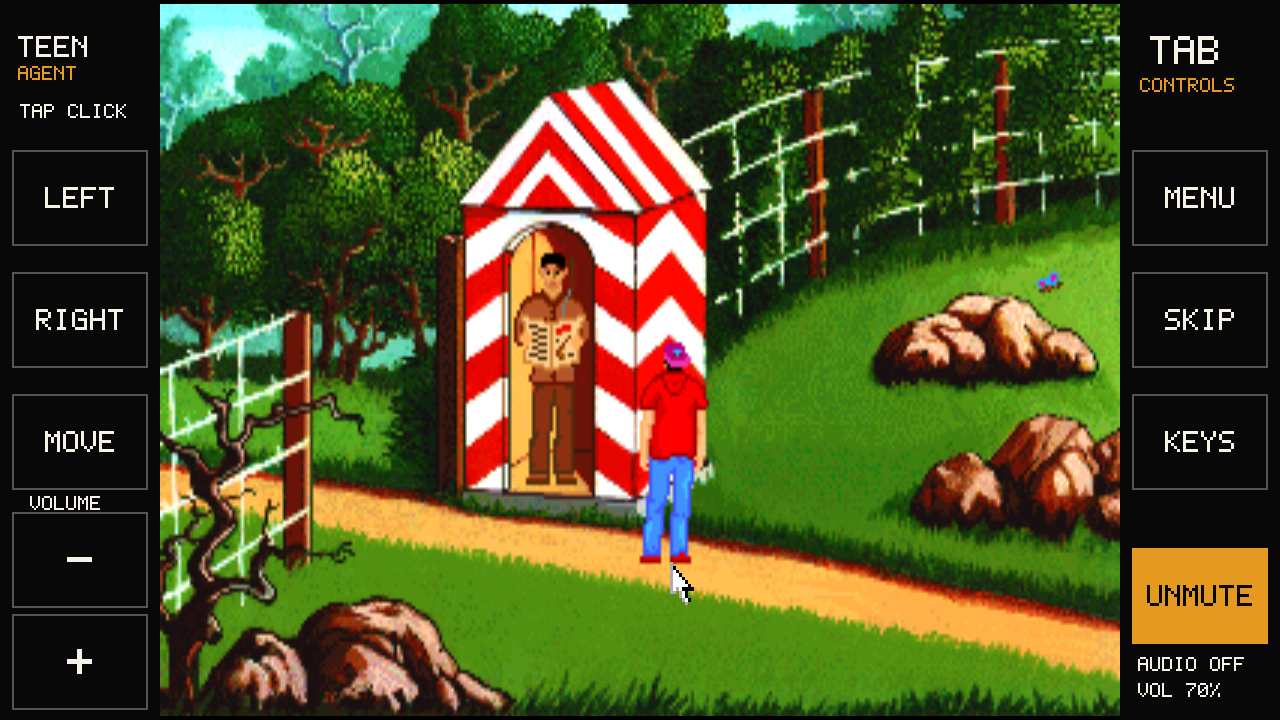
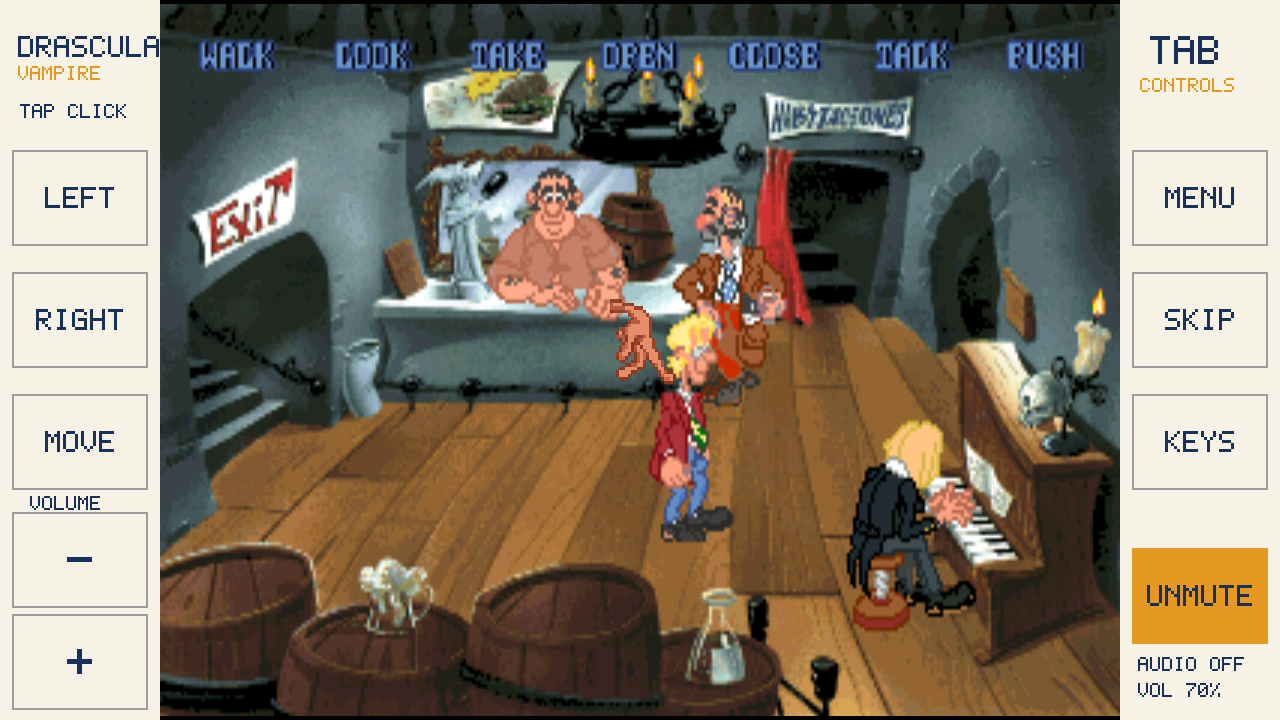
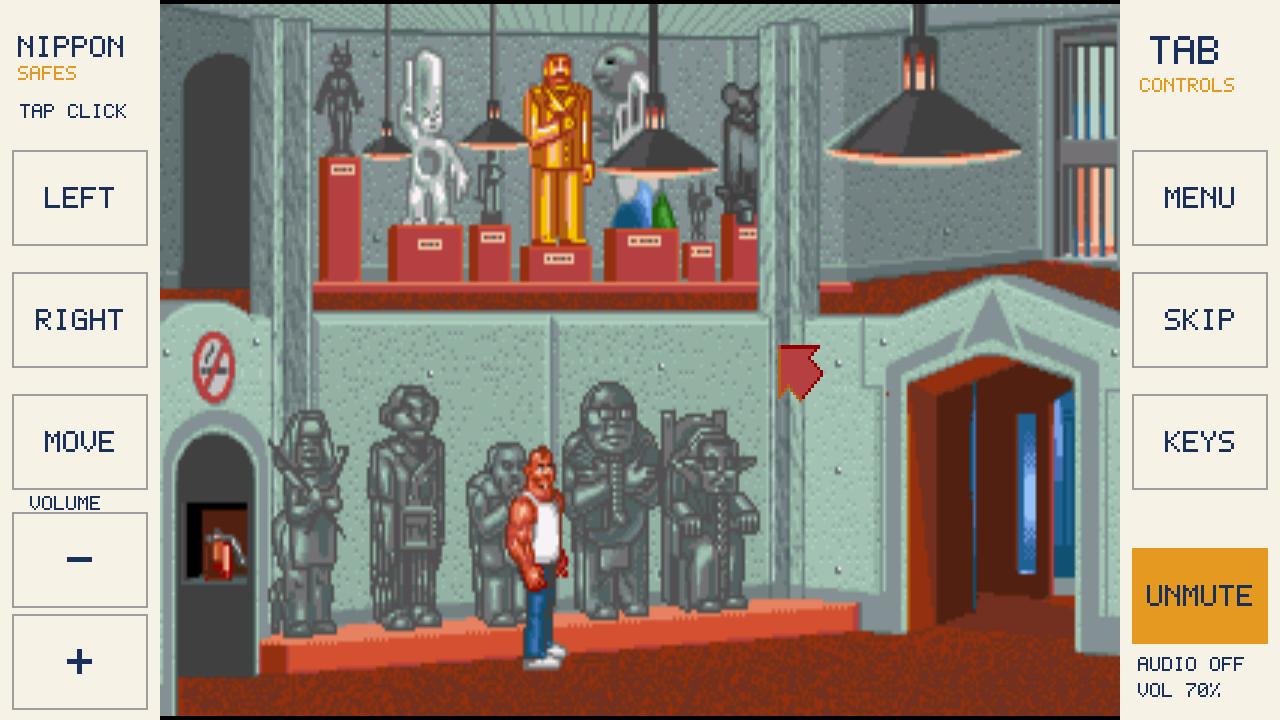
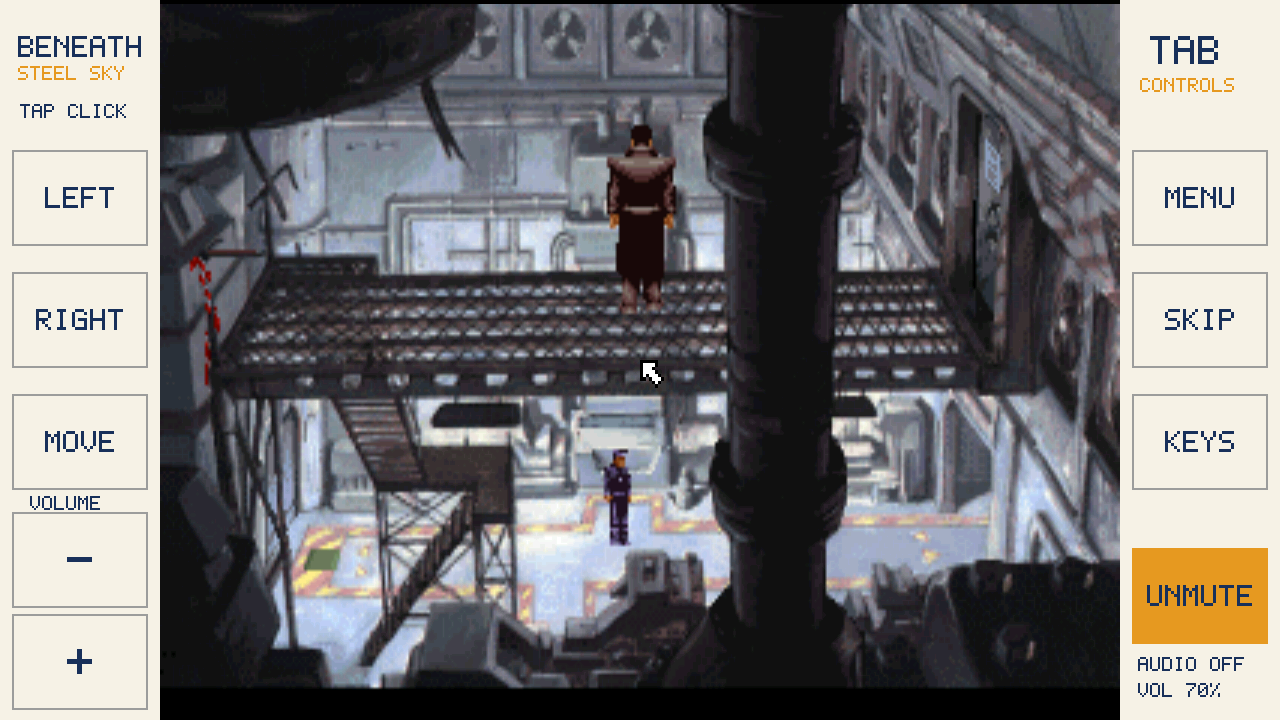
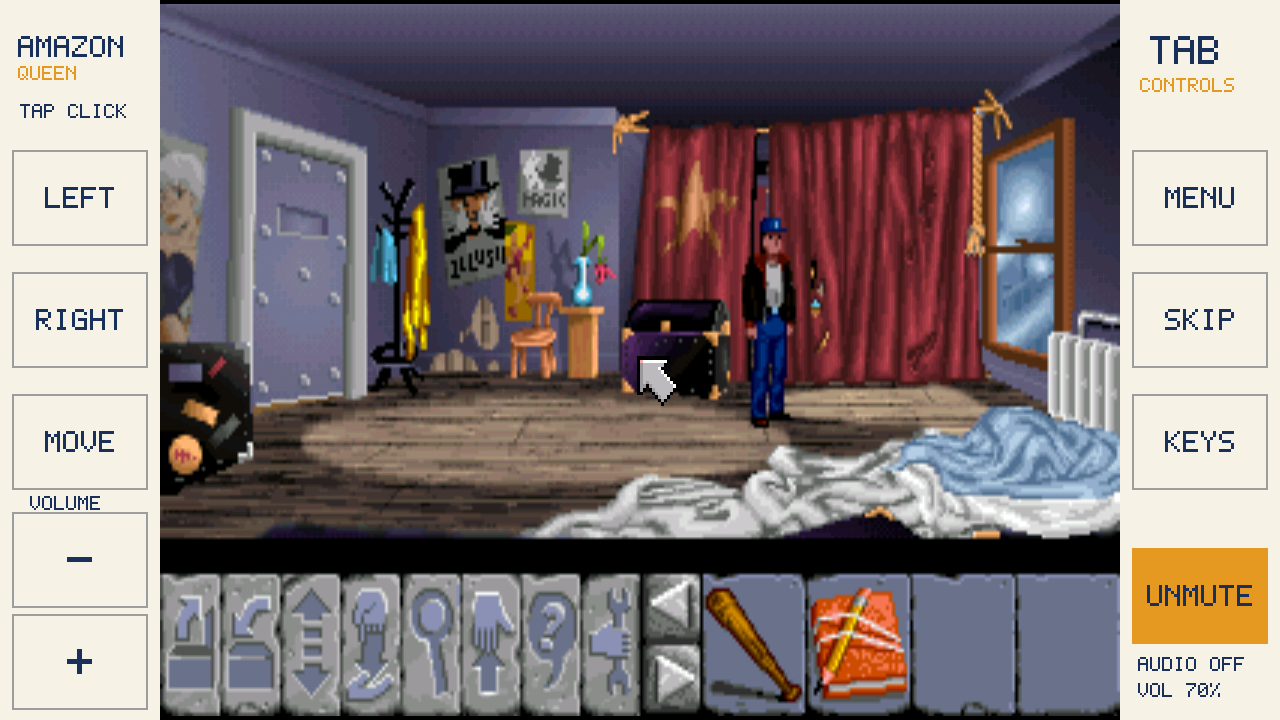
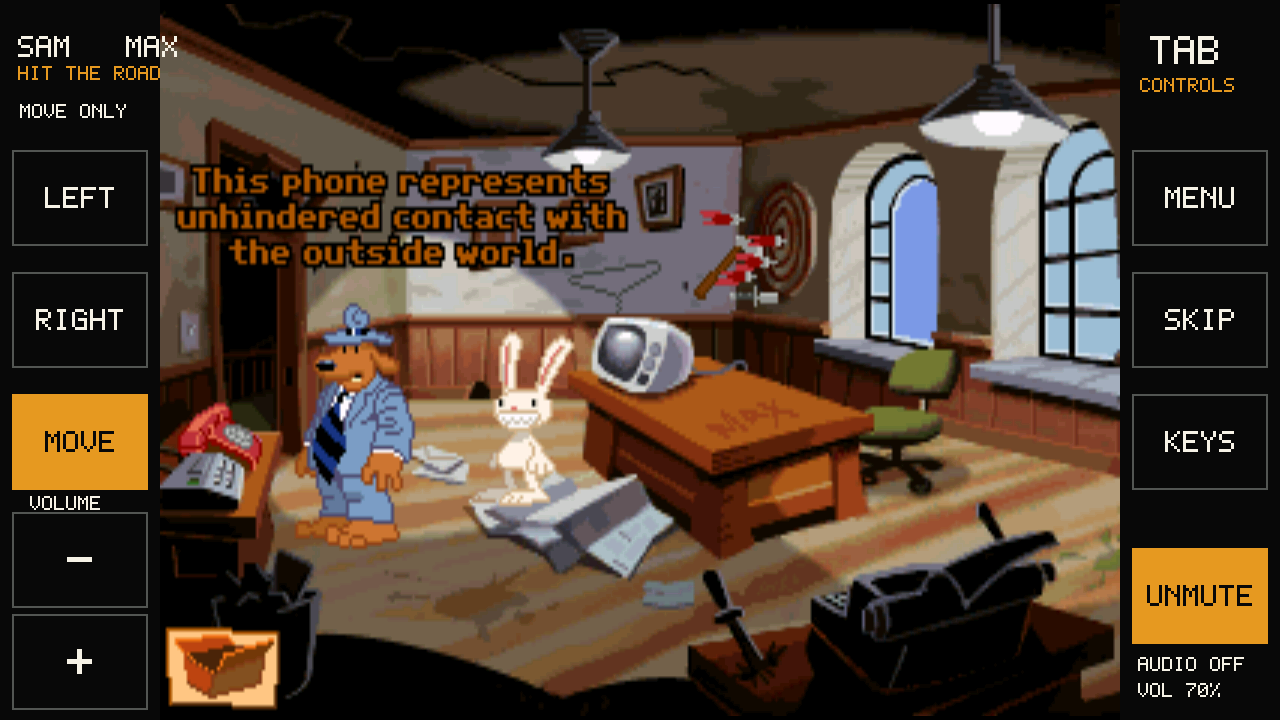
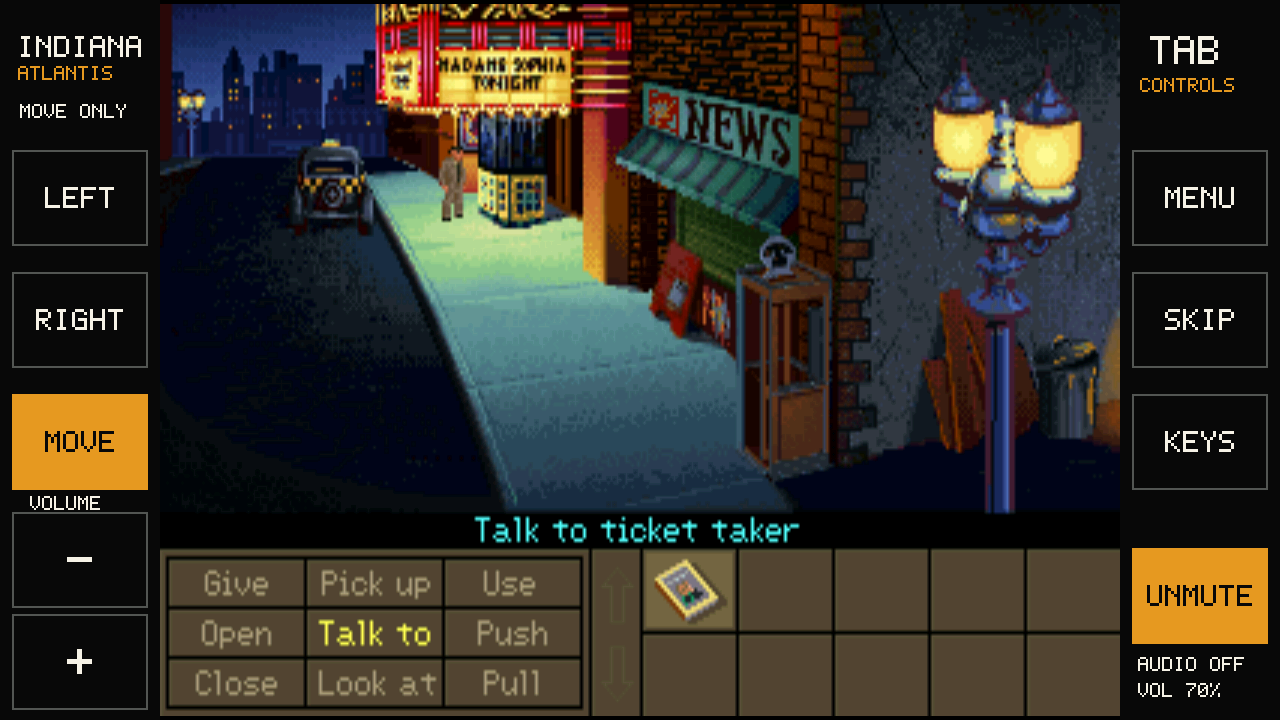
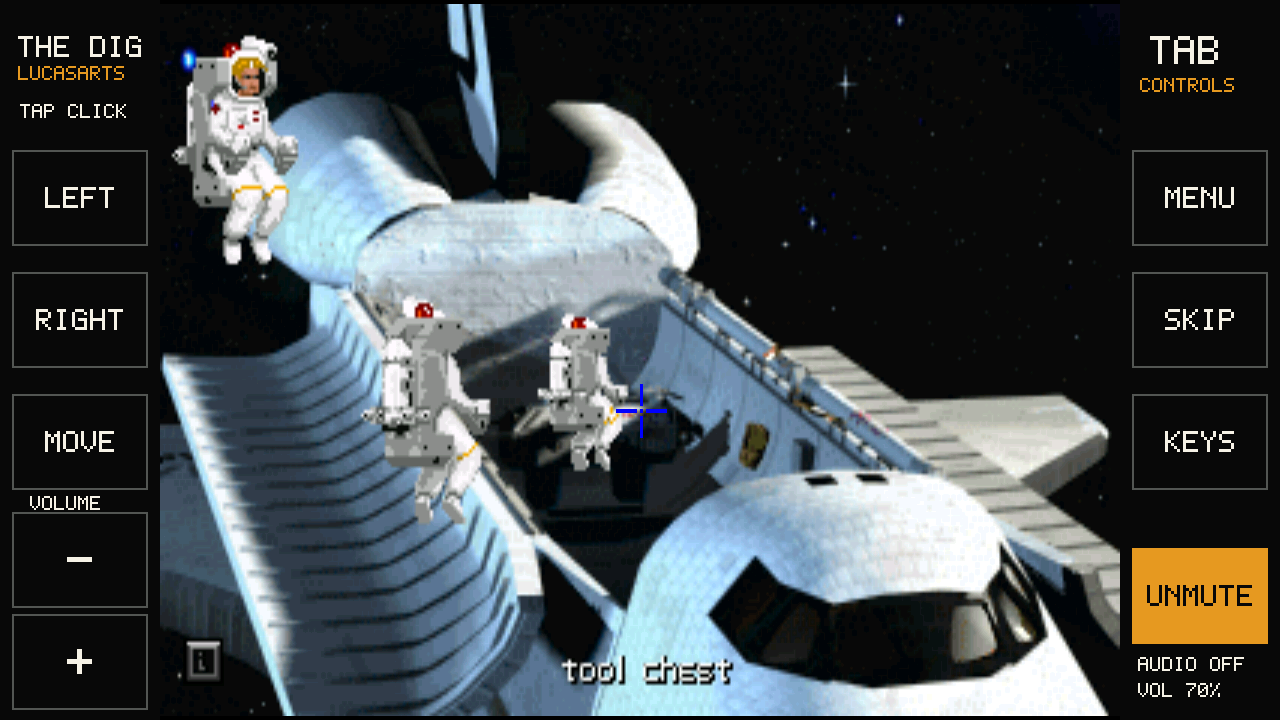
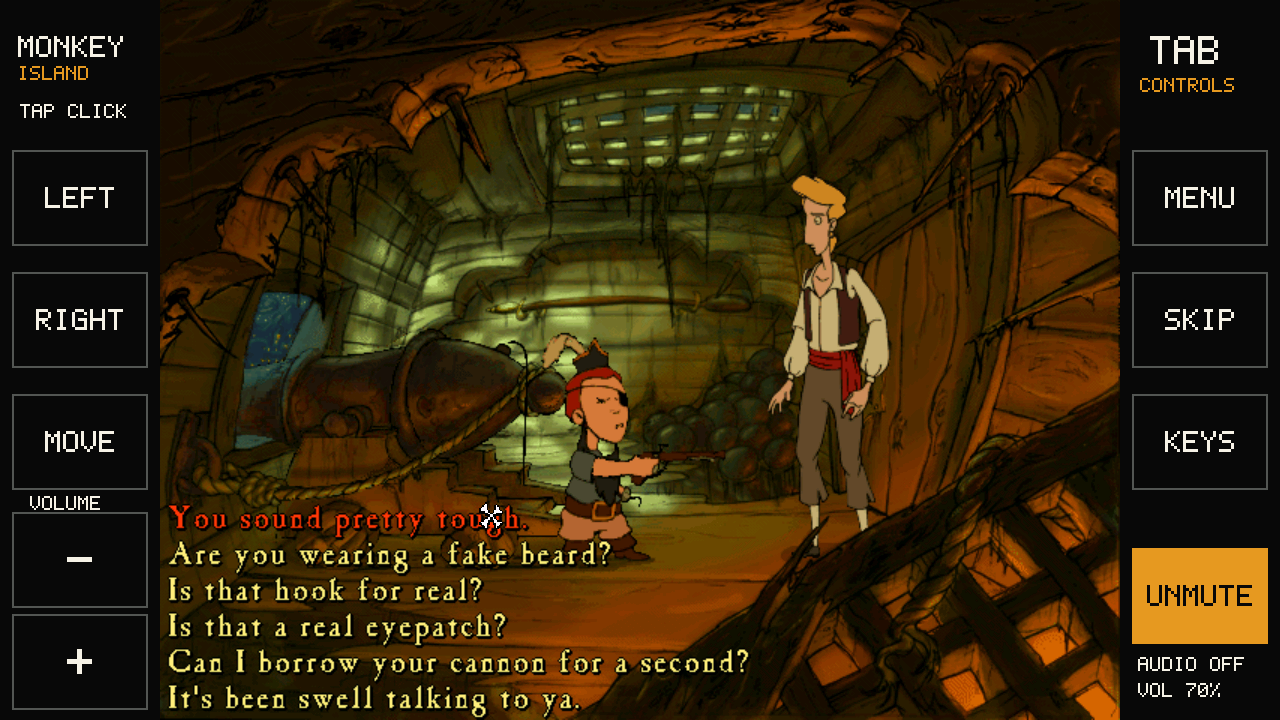
Nine are free, four need your own GOG copy. Three are in Polish; the other ten are in English. The pictures come from our tests on the device; tap one to see it full size.
Tab5 keeps count of your adventures
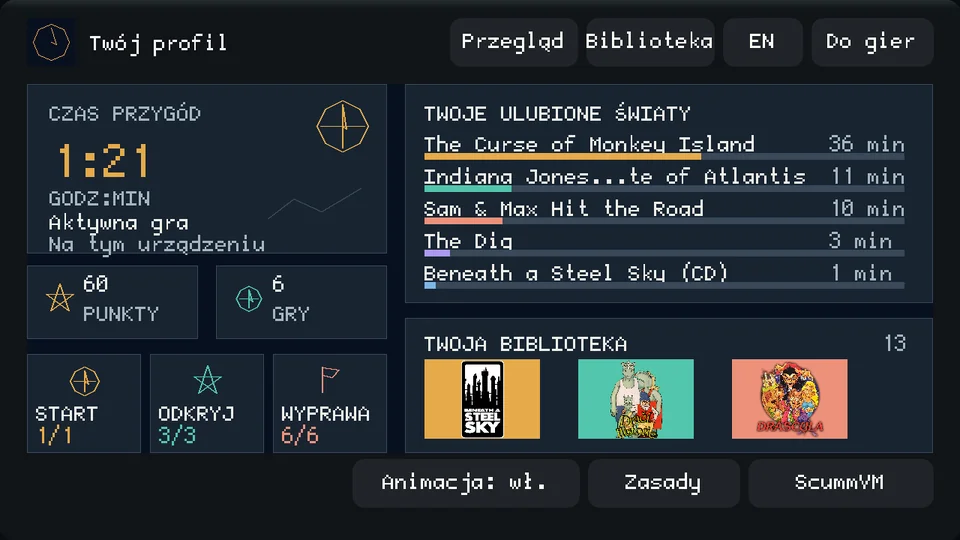
The device has a player profile: your active play time, your favourite worlds with minutes for each game, how many games you've tried and points for discovering new ones. Menus and pauses don't count, and the clock stops when you leave the game idle. It all stays on your memory card, because the system never goes online.
What you need
- M5Stack Tab5 (model C145, sold without a battery). In Poland: PLN 289 plus shipping at Botland (price checked 23 September 2026). The NP-F550 battery is optional; without it Tab5 runs only on a USB cable (from a computer or a charger).Botland (Poland) ↗M5Stack shop ↗
- A microSD card. Easiest: 32 GB or smaller, since those usually come ready. A bigger card must be reformatted to FAT32, which the usual Windows format window doesn't offer.
- A USB-C cable that carries data, not a charge-only one.
- A computer with Chrome or Edge. Other browsers and phones can't install it.
Paid partnership. M5Stack pays us a commission when you buy through our link; Botland gives us devices to test.
This system uses neither Wi-Fi nor the camera. More about Tab5 · Specifications ↗
Install in four steps
Do them in order, on a computer. You can come back later to add more games.
-
01
Install the system on Tab5
replaces Tab5's softwarePut the microSD card into Tab5 first and leave it there. Then plug Tab5 straight into the computer, not through a hub. Click “Install the system” below, pick “USB JTAG/serial debug unit” in the small window and click Connect. Close that window when it says it's done. Your memory card is left alone.
This browser can't install it. Open this page in Chrome or Edge on a computer. Installing only works on the secure https:// address of this page. Already have an older version of this system? Do this step again first. Your games and saves stay on the card.
Nothing in the list?
Use a cable that carries data and try another USB port. Close other programs or browser tabs that may be using Tab5, then unplug it and plug it back in. You can close the window and try again later.
Want the old software back later?
This step replaces the program that is in Tab5 now, for example the maker's demo; the card stays as it is. This page doesn't keep a copy of the old program and can't bring it back. If it matters to you, check in the M5Stack documentation how to put it back before you start. M5Stack Tab5 ↗
-
02
Download the games and choose the files
For each game you want, first get the file with the link at the top of its frame, then press “Choose file” and pick it. Don't open or unzip it. When you've chosen them all, press “Check my files”. The files stay on your computer; nothing goes to our server.
Games from GOG, step by step
- GOG is an online game shop. Beneath a Steel Sky and Flight of the Amazon Queen are free there; the other four you need to have bought. Log in only on gog.com.
- In your GOG library open “Download offline backup game installers”, then choose macOS and English, even if your computer runs Windows.
- Download the file whose name is shown with the game below. Don't run it; come back here and choose it.
- Any other file (another version, .exe or .dmg) won't be accepted. We check the file on your computer and never ask for your GOG login.
9 free games
Download ↗Dráscula needs two files: the game and this music pack. Download both and choose both, without unzipping. Adding the music alone works only once the game is on the card.
4 games from your own GOG library: Sam & Max, Indiana Jones, The Dig, Curse of Monkey Island
You need your own copy of each on GOG; take the macOS installer there, even on Windows. Big ones, especially The Dig and Curse, can take tens of minutes to copy.
-
03
Copy the games to the card
If you're in the middle of a game, save it first: Tab5 restarts when this page connects to it. Click “Connect Tab5 and copy the games”, pick “USB JTAG/serial debug unit” again and click Connect. Nothing is deleted: new games join the ones you have, and your saves stay. Big games can take tens of minutes; until it reaches 100%, keep this page open and the cable plugged in.
-
04
Play
after step 3Tap a game's cover on Tab5, then ▶. Without a battery, keep the cable plugged in. How to play →
How to play
Tap the scene to walk or pick something: it works like a mouse click. The buttons on both sides of the game do the rest.

- LEFT
- Clicks where the pointer is. Handy after MOVE.
- RIGHT
- Right mouse button. What it does depends on the game.
- MOVE
- Turn it on (it lights yellow) to move the pointer without clicking, then press LEFT or RIGHT. Press it again to go back to tapping.
- MENU
- Save, load, or go back to the game list.
- SKIP
- Works like the Esc key: skips an intro if the game allows it.
- KEYS
- Opens the on-screen keyboard.
To save: MENU → Save → an empty slot → Save. Wait until the game is back before you unplug.
Sound, looks and tips for individual games: full guide.
This is a test version
The whole installation from this page, the system and all 13 games, has been done on a real Tab5 the same way you will do it, and every game starts. We also checked the beginning of each: walking, some actions, saving and loading (what exactly depends on the game). Nobody has finished any of them on Tab5 yet. What we tested and how we check the files.